Device Control Modes
After the device connects, the main screen provides four control modes. Each mode offers a different way to play with and control the device.
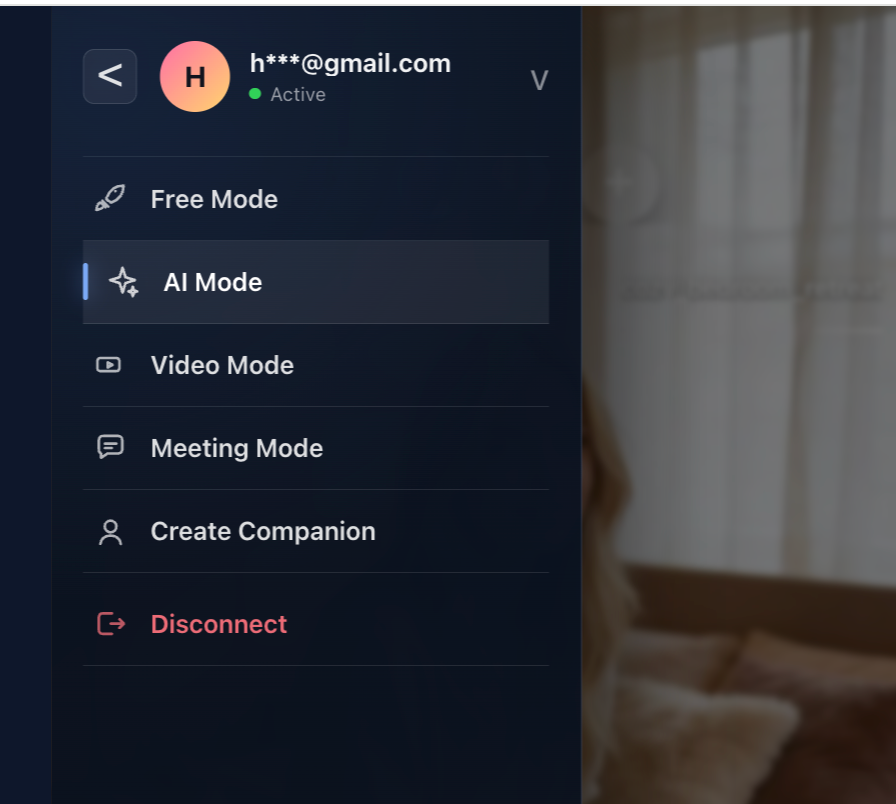
Modes
- AI Companion: interact with AI characters that can adapt to user preferences and control device movement.
- Free Control: control the device manually, let a partner control it remotely, or choose a built-in program.
- Video Sync: watch local or online videos while synchronizing device movement with the content.
- Live Sync: join a remote video call where a partner can influence device rhythm through real-time cues.
Expert Technique Simulation
Across all modes, the system uses a machine-learning-based expert technique simulation system to control device movement and provide an optimized experience.
Suggested Next Step
Choose the mode that fits the current experience. If the device does not respond or the connection drops, return to Troubleshooting.