Video Sync
Watch. Feel. Immerse.
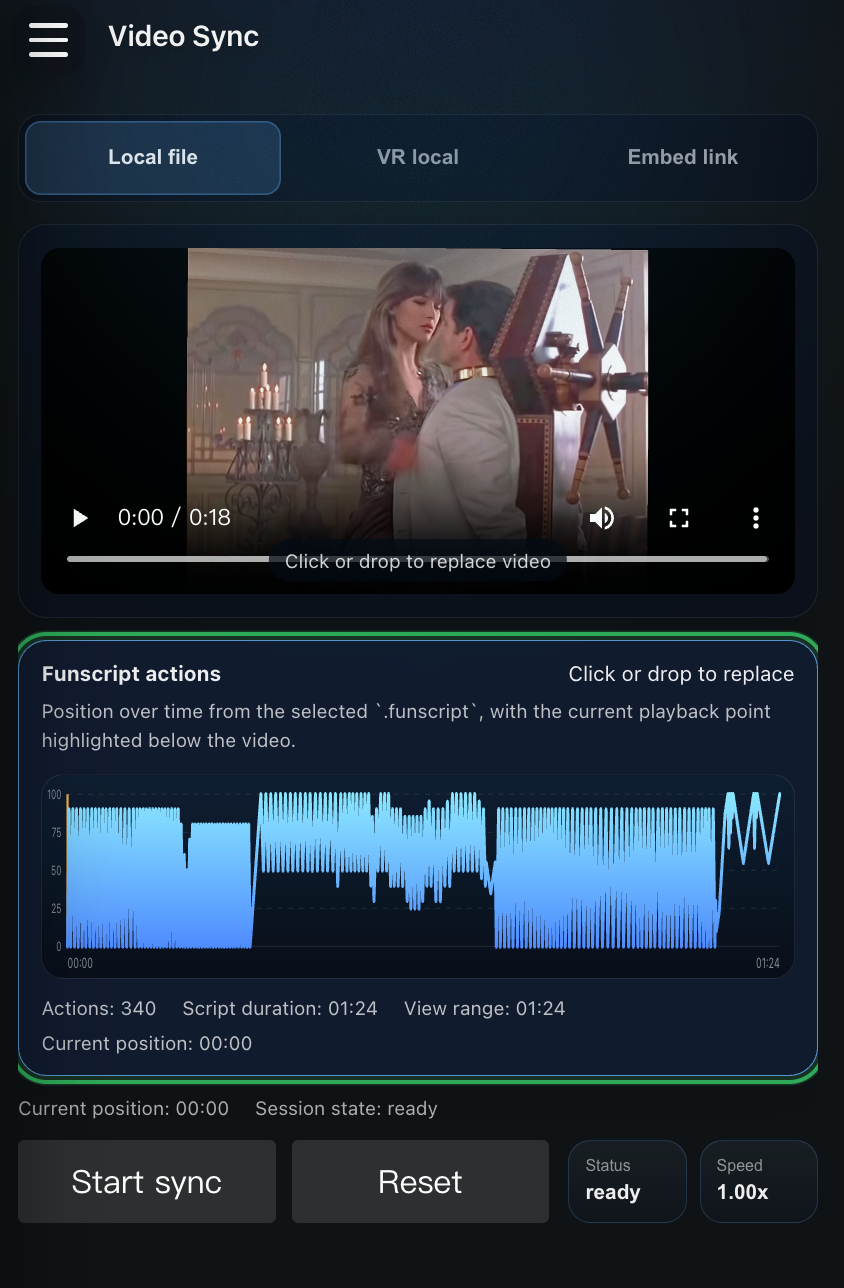
Video Sync turns compatible video content into a synchronized interactive experience. Whether the user is watching a local video, streaming content from a supported platform, or enjoying immersive VR scenes, Pulsar aligns device motion with what is happening on screen to create a deeper sense of presence and realism.
Supported Content Sources
- Local videos, including 2D, VR180, and VR360 content
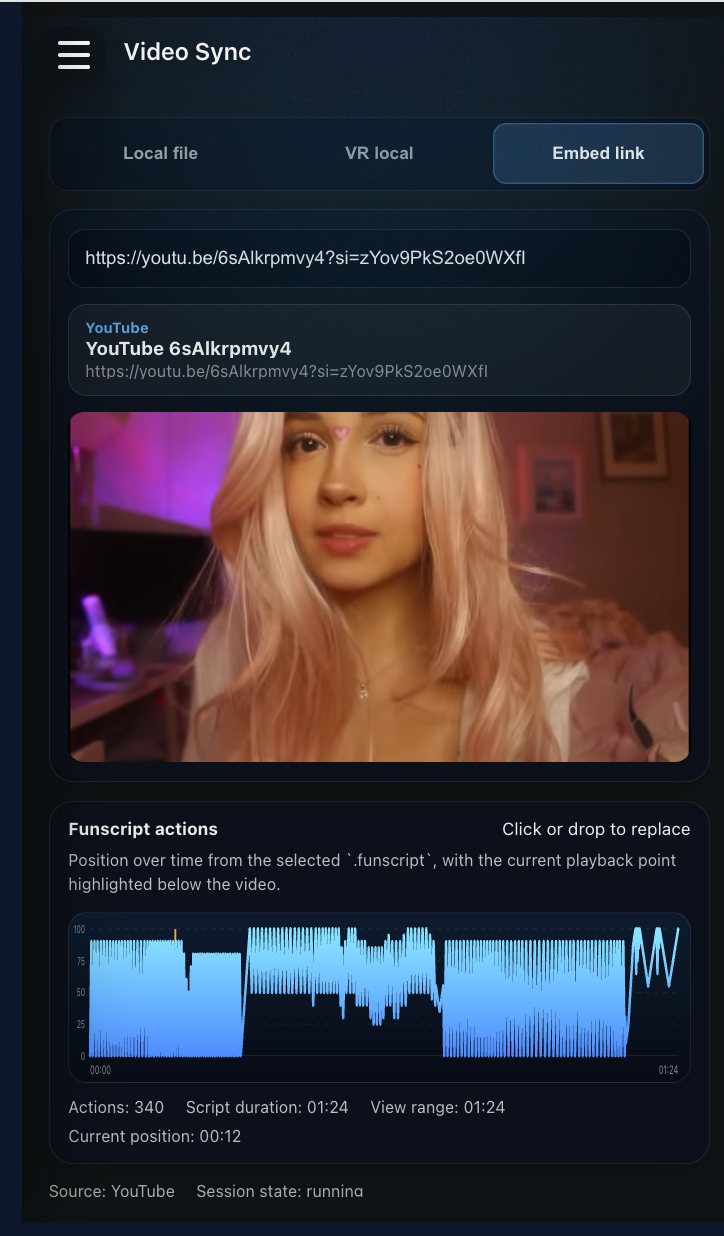
- Supported streaming platforms
- Shared video links, including YouTube, DeoVR, and more
- User-created motion scripts in Funscript format
Intelligent Motion Synchronization
Pulsar offers two ways to drive motion: AI Motion Sync and Script-Based Sync.
AI Motion Sync
AI Motion Sync analyzes the content, the user's interaction history, and personal preferences to generate motion patterns that feel natural and engaging.
Over time, Pulsar learns:
- preferred intensity
- preferred pacing
- favorite motion styles
- session habits
Each experience becomes increasingly personalized.
Script-Based Sync
For users who prefer full control, Video Sync supports uploaded Funscript files for frame-accurate synchronization with favorite content.
Pulsar supports the industry-standard Funscript format and is compatible with content created by thousands of creators across the global scripting community.
Useful community entry points:
Immersive VR Experience
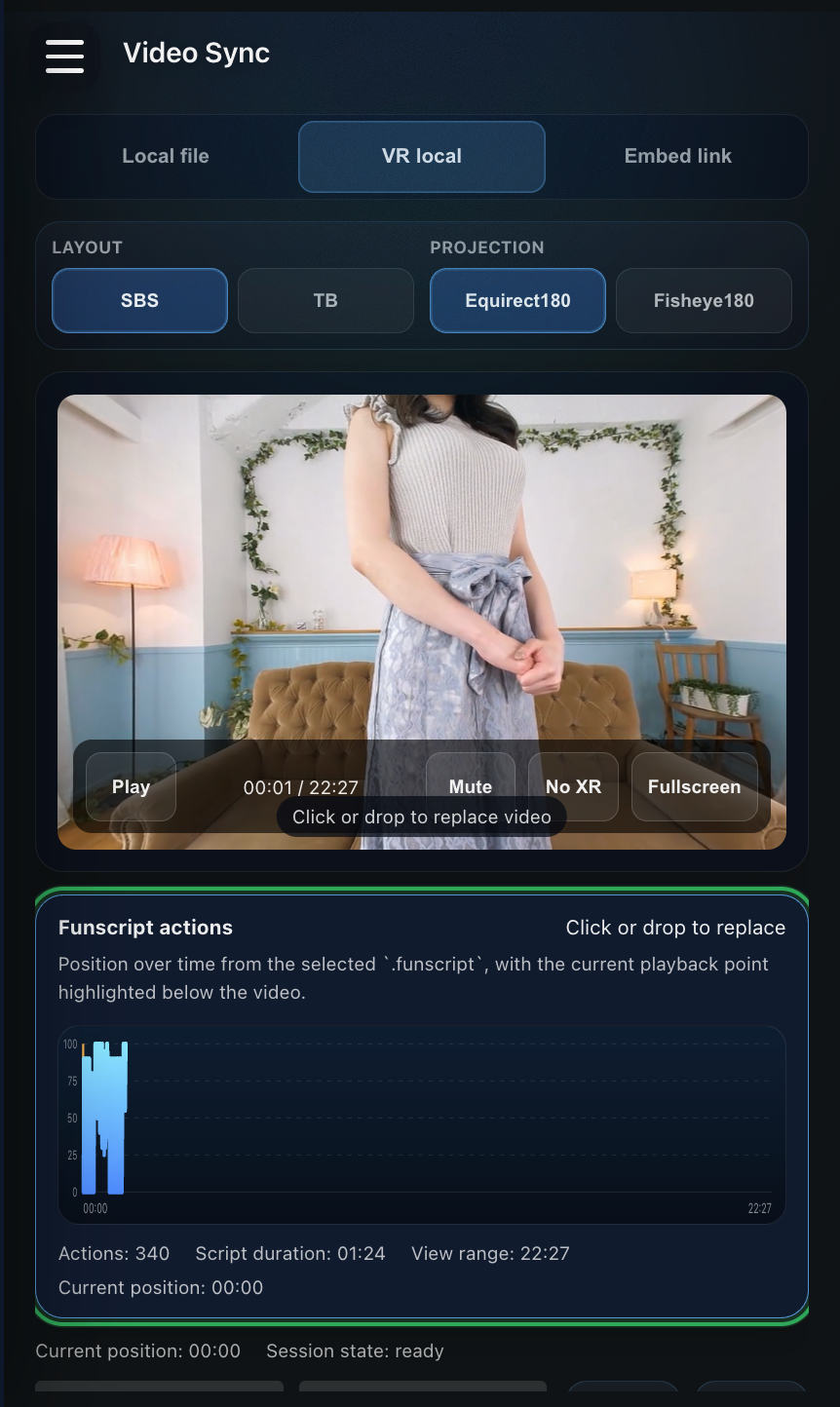
Video Sync can provide synchronized motion inside immersive VR environments. When paired with VR180 or VR360 content, Pulsar combines visual immersion, synchronized motion, and adaptive AI control to create a more engaging and realistic experience.
Suggested Next Step
Connect the device first, then enter Video Sync from the main screen.